SaaS or self-hosted is one of the first calls to make on Kubernetes backup and disaster recovery, and it’s worth settling before you compare features. This guide walks through what each deployment model means for a platform team, what to weigh before picking one, and where CloudCasa fits, since it offers both.
In this guide:
- What SaaS Kubernetes backup means in practice
- What self-hosted Kubernetes backup means in practice
- What to weigh before you choose
- Where CloudCasa fits
- Quick comparison
- Frequently asked questions
What SaaS Kubernetes backup means in practice
In a SaaS model, the vendor runs the backup control plane. You install a lightweight agent in each cluster, connect your storage target, and manage policies, schedules, and restores from the vendor’s console. The vendor handles upgrades and scaling of that control plane.
Depending on the vendor and plan, your backup data itself can land in storage you control, such as an S3 bucket or equivalent in your own account. What lives with the vendor is the metadata, catalog, and orchestration layer that ties backups together across clusters.
This model removes a category of infrastructure work: no backup server or database to patch and maintain, no high-availability setup for the control plane itself.
The tradeoff is dependency. Your backup and restore workflows rely on the vendor’s uptime. For most production environments, this is a fair trade. For environments with strict rules against sending any operational metadata outside a defined boundary (air-gapped clusters or specific regulatory scopes), it can be a blocker regardless of how solid the vendor’s uptime record is.
What self-hosted Kubernetes backup means in practice

In a self-hosted model, you deploy the full backup platform, control plane included, inside your own environment. With CloudCasa, you provide the Kubernetes cluster it runs on (version 1.27 or later), a StorageClass for the server and its catalog database, a backup storage target (S3-compatible, Azure Blob, or NFS), and an identity provider such as LDAP or OIDC. The catalog database is installed for you by default.
You get full control over where every component runs and what network paths exist. For air-gapped clusters, it’s the only option. For regulated industries like healthcare and finance, it can make data-isolation requirements easier to meet.
The cost of that control is operational. Someone on your team now owns upgrades and troubleshooting for the backup platform itself, on top of the workloads it protects. If your team already runs most of its infrastructure this way, it’s a natural fit. If your team is small or already stretched, it’s one more system to maintain. Self-hosted is offered through CloudCasa’s Enterprise plan, an annual per-worker-node subscription priced by quote.
What to weigh before you choose
A few factors carry more weight than the rest when you’re deciding between SaaS and self-hosted Kubernetes backup.
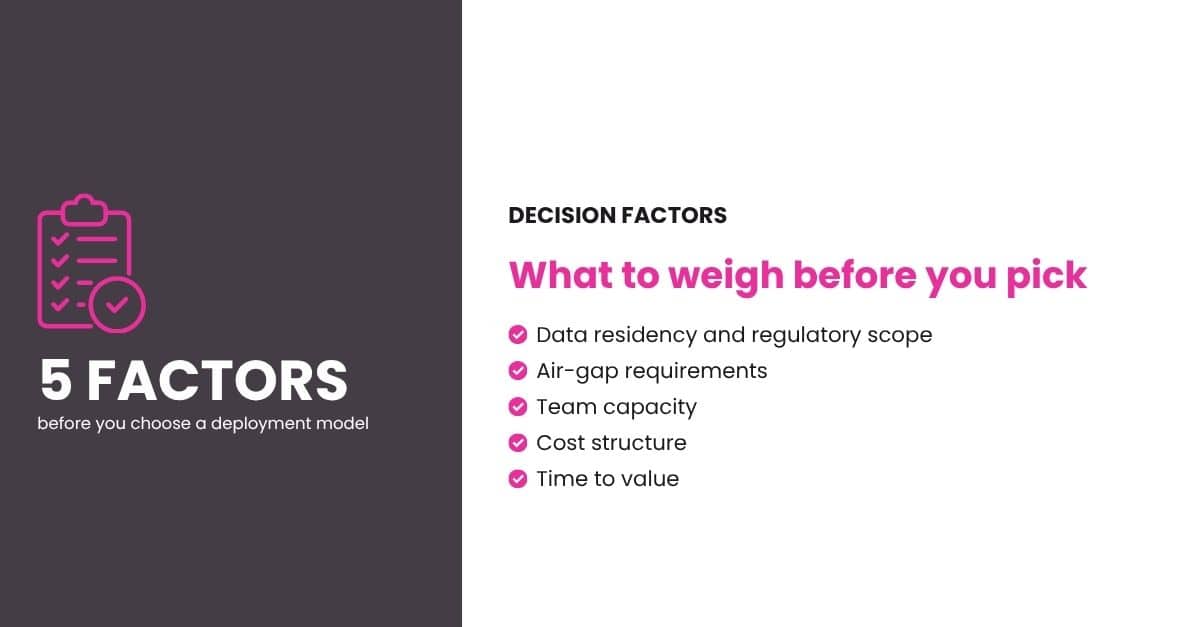
Data residency and regulatory scope
If your workloads sit in healthcare, finance, government, or another regulated sector, check what your compliance framework requires before assuming SaaS is off the table. Some frameworks only restrict where backup data lives, which SaaS models can satisfy when backup data is configured to stay in your own storage account. Others restrict operational metadata too, which makes self-hosted the safer default. For a closer look at meeting compliance requirements without giving up automation, see CloudCasa’s guide to air-gapped Kubernetes backup for regulated industries.
Air-gap requirements
If a cluster is fully air-gapped, with no network path to an outside service by design, SaaS isn’t an option regardless of anything else on this list. Self-hosted is the only path.
Team capacity
A small platform team benefits from offloading control-plane operations. A larger team with existing infrastructure discipline (its own monitoring stack, on-call rotation, and upgrade process) may prefer to run its Kubernetes backup and restore platform the same way it runs the rest of its infrastructure.
Cost model
SaaS shifts cost to a predictable subscription. Self-hosted also carries a subscription (the Enterprise plan), plus the infrastructure and staff time to run it. Neither is cheaper by default: it depends on your existing capacity and how you’d otherwise allocate that budget.
Time to value
SaaS setup is typically faster, since there’s no backup infrastructure to stand up first. If you need protection running this week, SaaS gets you there sooner.
Questions to settle first
None of these factors is permanent. A team that starts on SaaS to move fast can add a self-hosted deployment later if a compliance requirement changes. Worth asking yourself now: Does your compliance framework restrict operational metadata, or just backup data itself? That single answer resolves the decision for many regulated teams. Do any of your clusters run air-gapped today, or might they in the next year? And who would own a self-hosted deployment if you went that route? If there’s no clear answer to that last one, that’s a signal SaaS is the better starting point.
Not sure which factor tips the decision for your team? Start a free 60-day CloudCasa SaaS trial here and see how it fits your compliance and team-capacity constraints. Evaluating self-hosted? Talk to the CloudCasa team.
Where CloudCasa fits
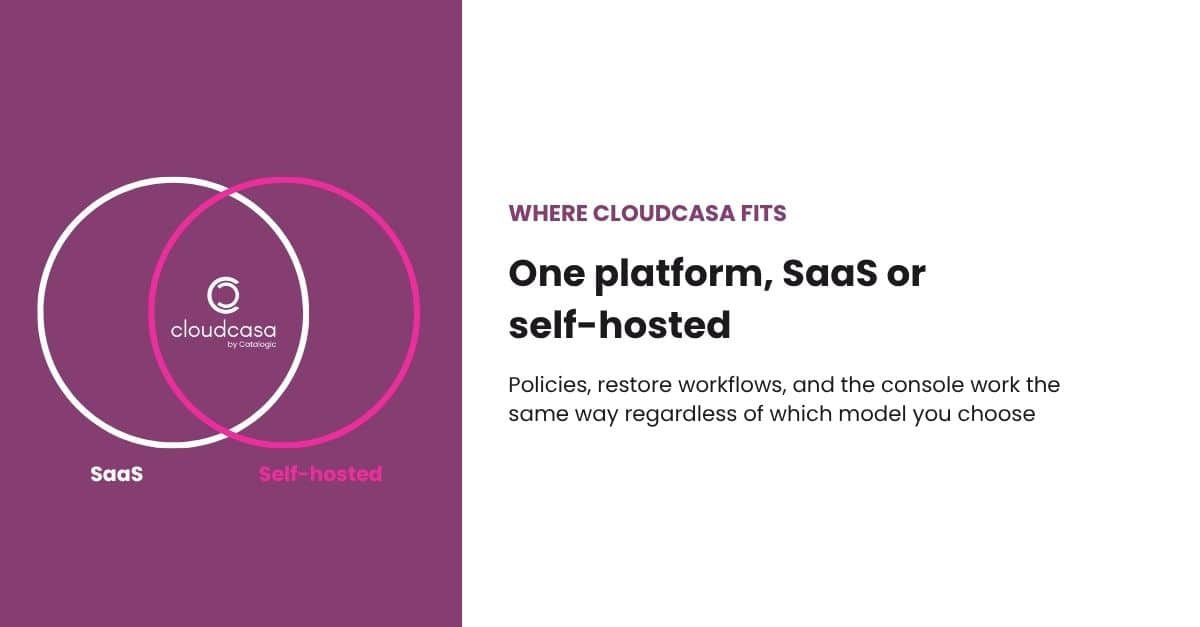
CloudCasa runs as a SaaS platform and as a self-hosted deployment, and both use the same underlying product. The console and restore workflows are the same in both; a small number of features and entitlements differ between SaaS and self-hosted.
On the SaaS side, CloudCasa’s control plane handles cluster onboarding and restore orchestration. Backups can go to storage in your own account, such as an S3 bucket or Azure Blob container, and PV copy backups can also use CloudCasa secure storage.
On the self-hosted side, CloudCasa deploys inside your own environment for teams that need air-gapped clusters or full control over where the platform runs. You get the same restore granularity (from full cluster down to individual resources or individual files with file-level restore) and the same role-based access control, with sign-in through your own identity provider such as LDAP or OIDC.
CloudCasa supports the major managed Kubernetes services and distributions (EKS, AKS, GKE, OpenShift, SUSE Rancher) and virtualization platforms including KubeVirt, OpenShift Virtualization, and SUSE Virtualization (Harvester).
Because it’s the same product on both sides, a later move to self-hosted keeps you on the same vendor and the same console.
Whichever model you lean toward, see the full Kubernetes backup and restore solution details.
Quick comparison
SaaS and self-hosted are two ways of running the same job. Compliance scope and team capacity usually decide which one fits.
| SaaS | Self-hosted | |
|---|---|---|
| Who runs the control plane | CloudCasa | Your team |
| Setup time | Minutes | Depends on your infrastructure |
| Best for | Fast rollout, standard compliance scopes | Air-gapped clusters, strict data isolation |
| Ongoing maintenance | Handled by CloudCasa | Owned by your team |
| Backup data location | Your own storage, or CloudCasa secure storage for PV copy backups | Your own storage (S3-compatible, Azure Blob, or NFS) |
| Cost model | Subscription | Enterprise subscription plus infrastructure and staff time |
Frequently asked questions
What’s the difference between SaaS and self-hosted Kubernetes backup?
In SaaS Kubernetes backup, the vendor hosts and operates the control plane, and you only run a lightweight agent in each cluster. In self-hosted Kubernetes backup, you deploy and operate the full platform, control plane included, inside your own environment. With SaaS, backup data may sit in vendor-managed storage or in your own storage account, depending on the vendor and plan; with self-hosted, it stays in storage you own and control.
Is SaaS Kubernetes backup safe for regulated industries like healthcare or finance?
It depends on what your specific compliance framework restricts. Frameworks that only govern where backup data lives are usually satisfied by SaaS when backup data is configured to stay in your own storage account. Frameworks that also restrict operational metadata leaving a defined boundary typically point toward self-hosted instead.
Can I switch from SaaS to self-hosted Kubernetes backup later?
Yes, with some planning. With CloudCasa, SaaS and self-hosted run the same product and console, so moving to self-hosted (for example, after a compliance requirement changes) means deploying a CloudCasa server under the Enterprise plan, adding your clusters to it, and installing its agent on each one. Talk to CloudCasa about how existing recovery points will be handled during the move.
How long does Kubernetes backup take to set up?
SaaS Kubernetes backup is typically the faster path: with CloudCasa, onboarding a new cluster through the console, agent install included, usually takes minutes. Self-hosted setup time depends on your own infrastructure, since you first stand up the CloudCasa server and connect its storage, backup target, and identity provider.
Does CloudCasa support both SaaS and self-hosted Kubernetes backup?
Yes. Both options run the same CloudCasa product and console, with the same restore granularity and role-based access control. A small number of features and entitlements differ between SaaS and self-hosted, and self-hosted sign-in connects to your own identity provider.